
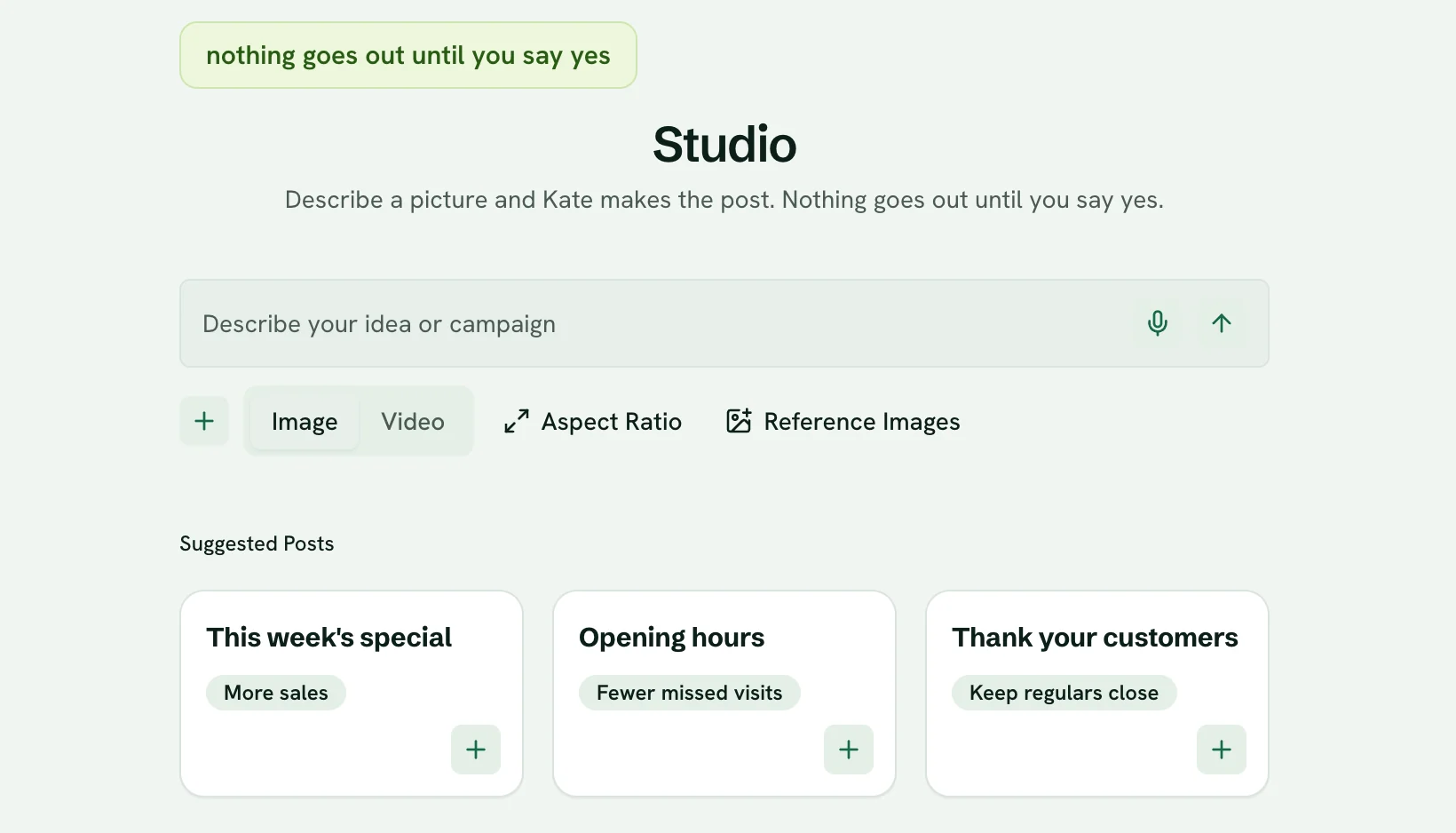
Nothing goes out without your yes.
Every post, email and campaign waits for you, shows you exactly what will go out, and asks again if anything changes.
See exactly what will go out
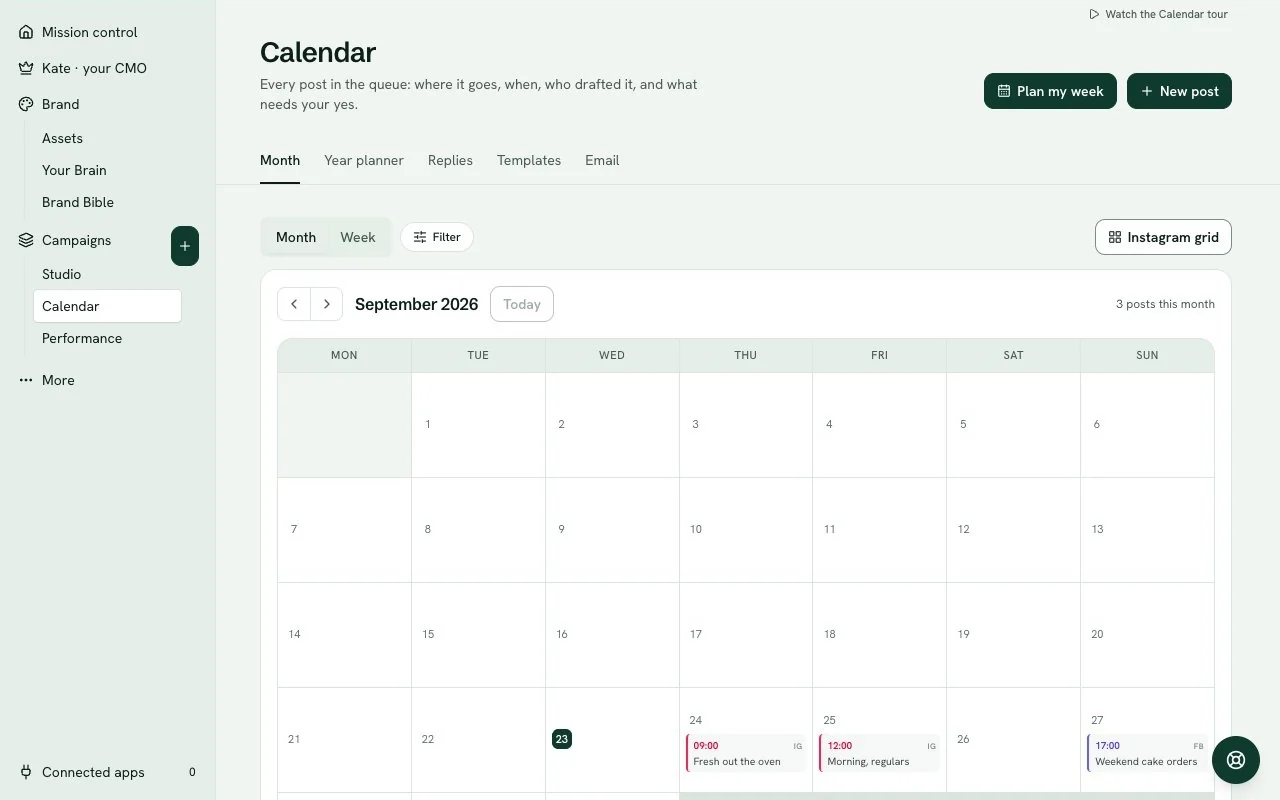
The week's drafts arrive together: each post word for word, with its picture, the channel, the link and the time it goes out. If no time is set yet, it says so rather than guessing.
One tap for the week, or one post at a time
Approve the whole week in one tap, or go through it post by post in Kate's chat. Tapped too soon? You have a minute to take the week back.
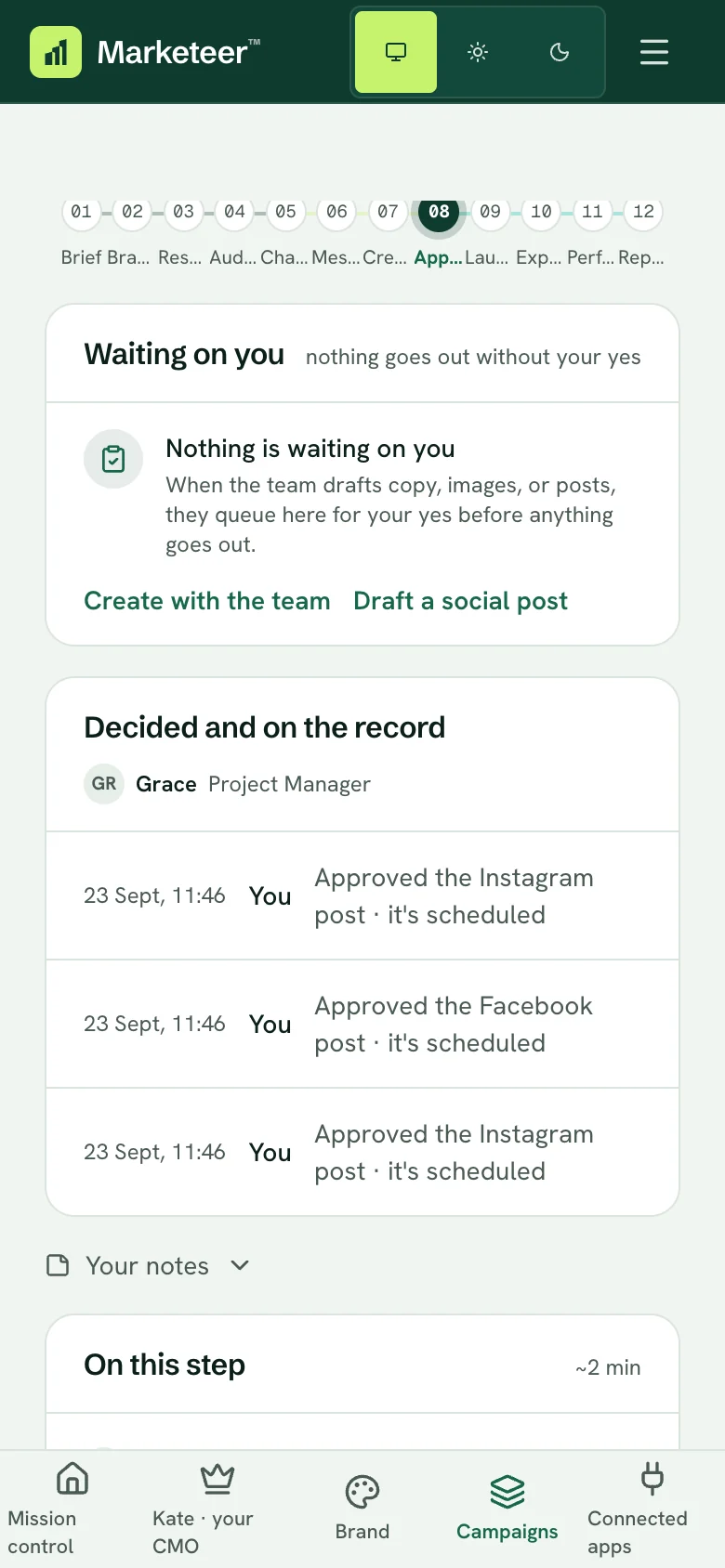
After your yes, on a phone. Change it, and it asks again
Edit the words, the picture or the time after saying yes, and the post goes back for a fresh yes. The version that goes out is the version you approved. A picture that is still being drawn cannot be approved at all.
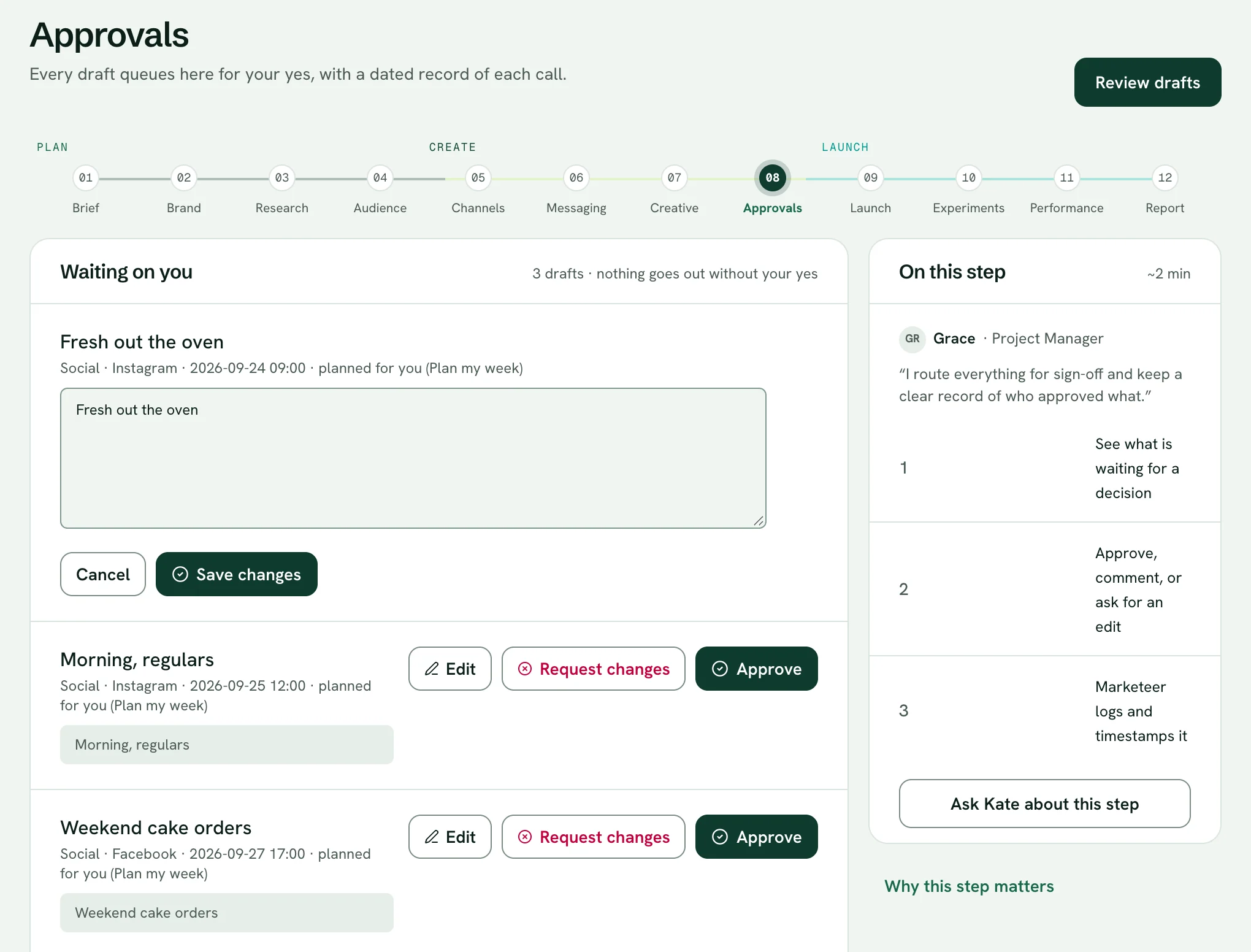
Editing a draft before you approve it. Claims are checked before they go
Tell Kate what you can prove, like “open seven days” or “family run”, and it becomes a proof point. Kate suggests a few from your website to get you started. Every post, reply and email is checked against them before it goes out, and one that says something you have not backed waits and tells you why.
Campaigns stop for your sign-off
A campaign pauses twice: once for the words and pictures, once before launch. Approve it as it is, change it before you approve, or send it back with a note the team remembers next time.
A record of every sign-off
On Pro, the audit log keeps every campaign run, every campaign sign-off and every week you approve in one tap: what was decided and when. Export it whenever you need to show your working.
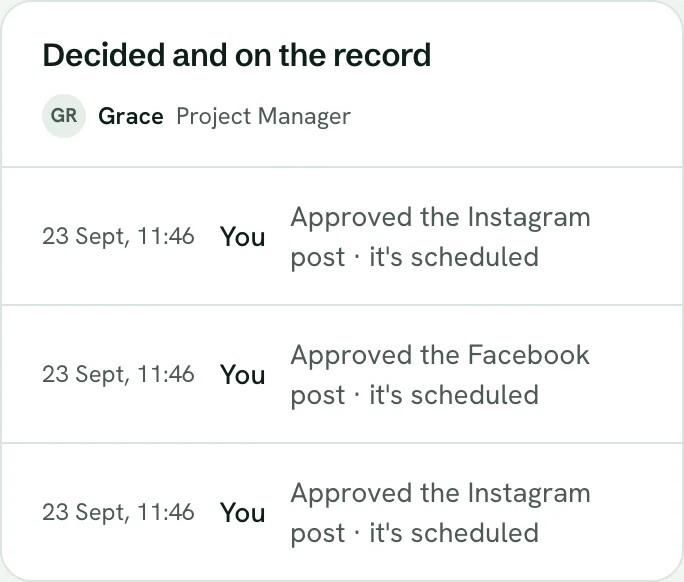
Decided and on the record.
What is live, and what is not
Checked against the product, not the brochure. Every row says where it stands today, in the same four words the whole site uses.
- The week's drafts, with pictures, links and timesLive
- Approve the week in one tap, with a minute to take it backLive
- A fresh yes after any changeLive
- Claims checked against your proof pointsLive
- Campaign sign-offs, with your edits and notesLive
- Audit log of campaign runs, sign-offs and week approvals, on ProLive
The same four words run through the whole site. See every connection and its state
Questions owners ask
What happens if I do not approve anything?
Nothing goes out. There is no auto-approve: a post nobody approved simply waits. Kate's Sunday draft holds off while last week's is still unanswered, and the morning brief tells you what is waiting.
Why does Kate ask for a proof point before I can approve a post?
Because every post is checked against what you can prove before it goes out, and with nothing on file there is nothing to check against. Add one, even “family run”, and you can approve. Kate suggests a few from your website.
More of the team’s work
Your marketing, on your say-so.
Try the whole team for 14 days. Card to start, cancel before the trial ends to avoid a charge.