Posts, pictures and print, in your colours.
Describe a post in a sentence and Studio writes it, makes the picture and cuts it to fit each network, and Kate turns out print-ready flyers and posters when you ask.
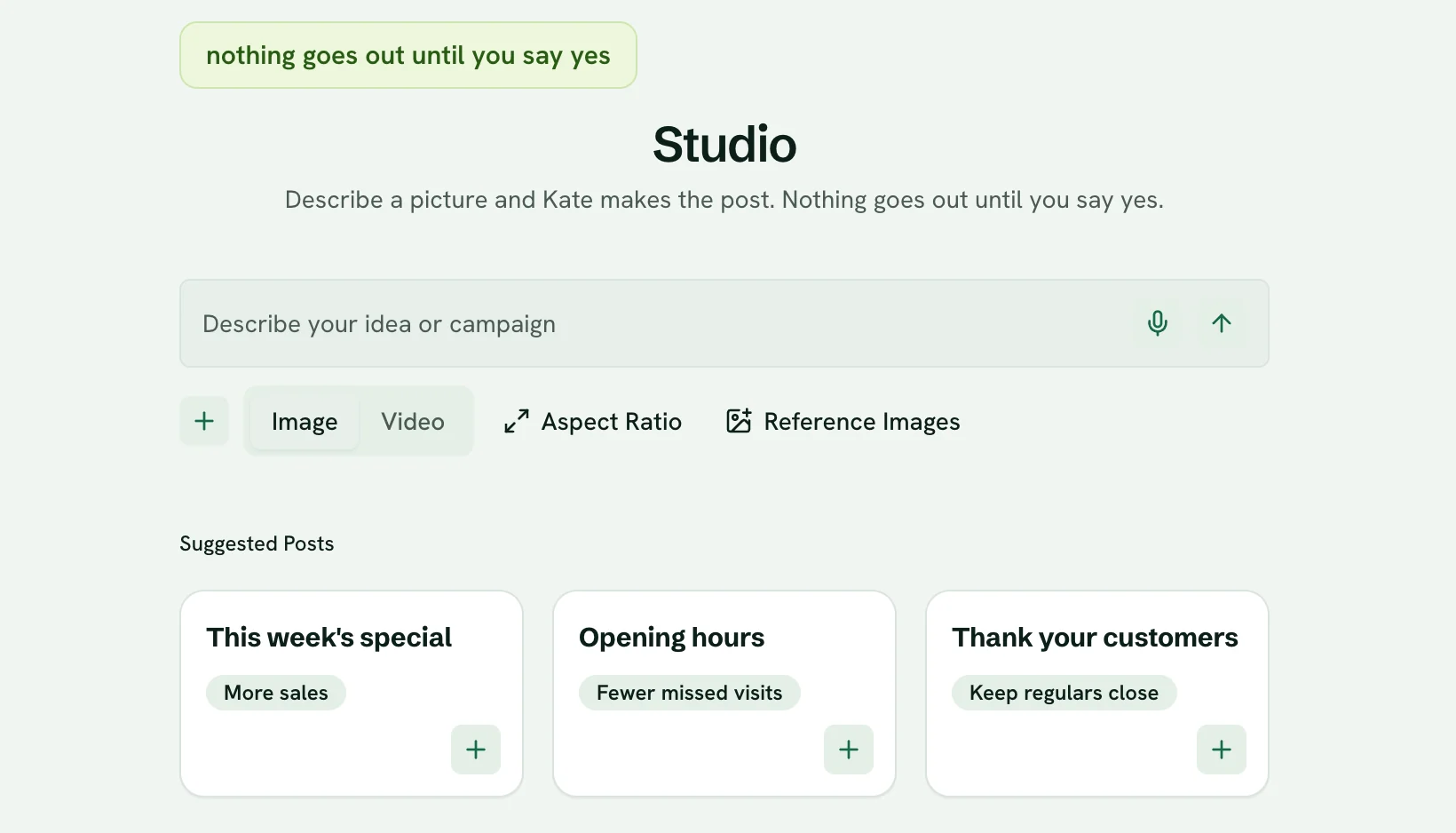
One sentence in, a post out
Say what you want to post, add a few of your own photos if you like, and pick a shape. Kate writes the caption and Studio makes the picture, cut to fit every network you use. It waits for your yes like everything else.
Your colours, and your real logo
Your brand colours go into every picture. Your logo is never redrawn by the image model, because a redrawn logo is a wrong logo: when it goes on a picture, it is your own file. And Studio never opens blank, with starting points for the UK dates coming up.
Checked before you see it
Studio makes more than one take, checks them for anything that looks off and keeps the best. If something is flagged, you see why. Then make it bolder, softer, simpler or warmer, or swap in your own photo.
A week of pictures in one tap
Tap Plan my week and Studio drafts the week across your connected networks, each post in its own shape, with the pictures filling in as they are made.
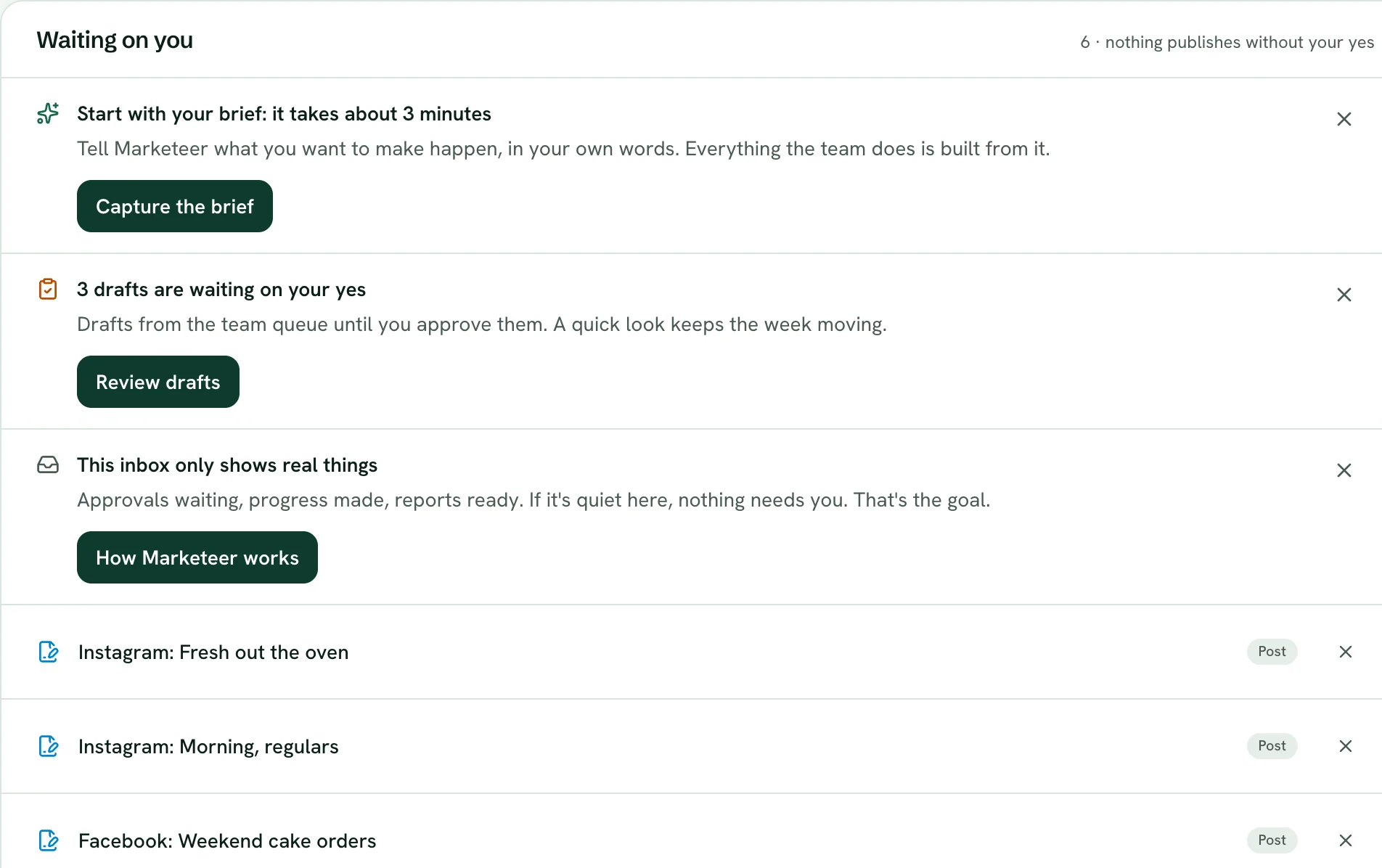
The inbox, with the example bakery's drafts waiting. Print that is ready for the printer
Ask Kate for a flyer, a poster, a menu, an opening-hours sign or business cards. You get a print-ready PDF with bleed and crop marks, in your colours, font and logo. Posters and flyers come in three layouts to choose from.
Your library, ready to use
Upload your photos, logos, fonts and documents, or pull the pictures straight off your website. Use any of them in a post with a tap.

What is live, and what is not
Checked against the product, not the brochure. Every row says where it stands today, in the same four words the whole site uses.
- Posts made from one sentence, sized for each networkLive
- Your colours in every picture, and your real logo, never redrawnLive
- Picture checks, with bolder, softer, simpler and warmerLive
- Plan my week, pictures includedLive
- Print-ready flyers, posters, menus, signs and business cardsLive
- Your library of photos, logos, fonts and documentsLive
- Labels marking pictures as made by AINot built
The same four words run through the whole site. See every connection and its state
Questions owners ask
Can I use my own photos?
Yes. Add up to six of your own pictures when you describe a post and Studio works from them, or upload photos to your library and use one exactly as it is.
Will my logo be on the pictures?
The image model never draws your logo, so it never comes out misspelt or slightly the wrong shape. When your logo is on a picture, it is your own file, placed on top.
More of the team’s work
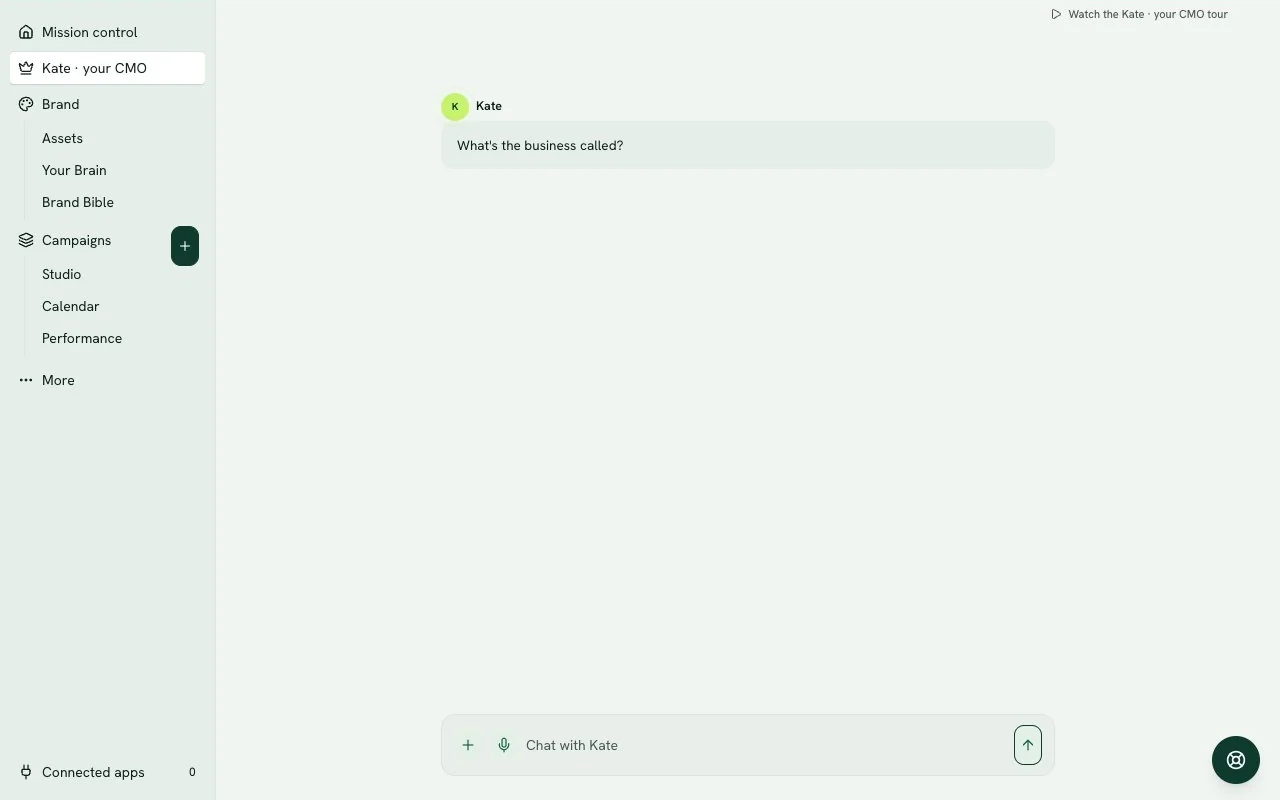
Kate, your AI CMO
Talk in plain words. She briefs the team and brings the work back.See how it works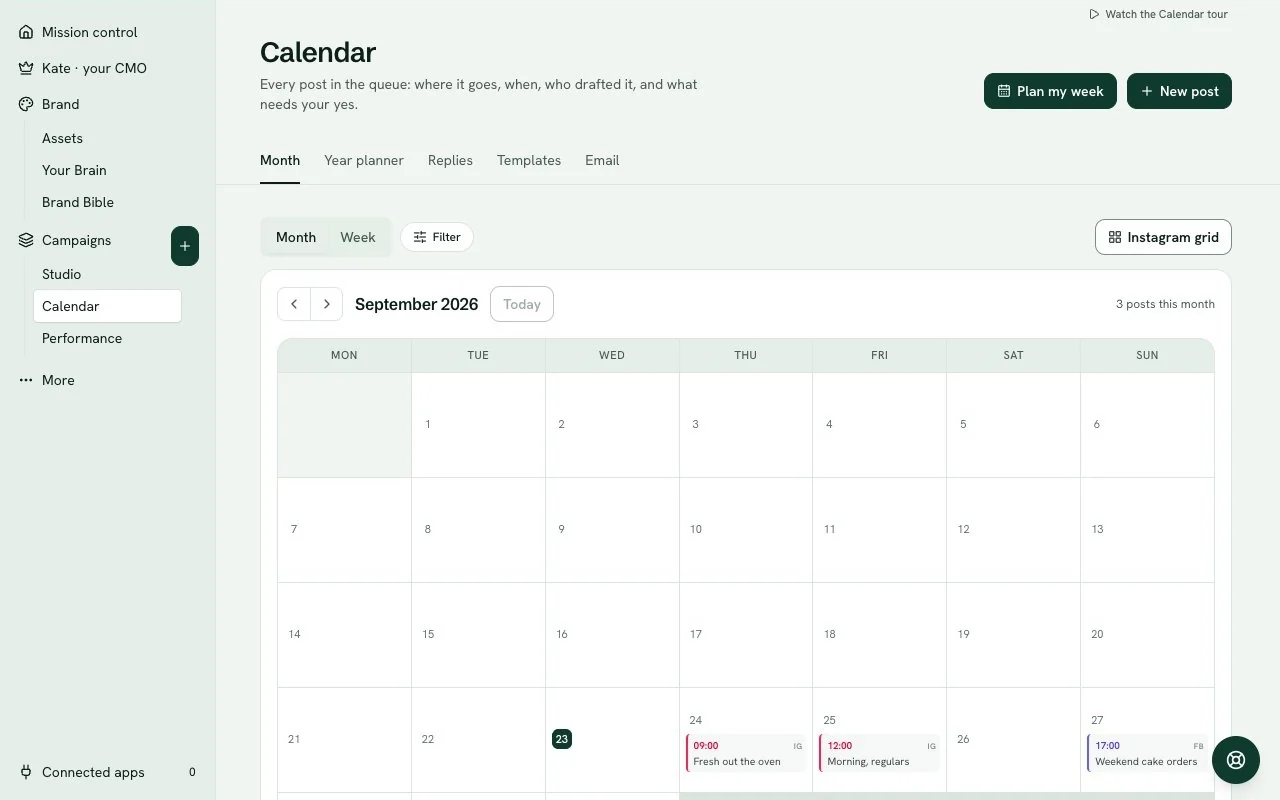
Social posts and the calendar
Posts for each network, on your calendar, out when you say yes.See how it works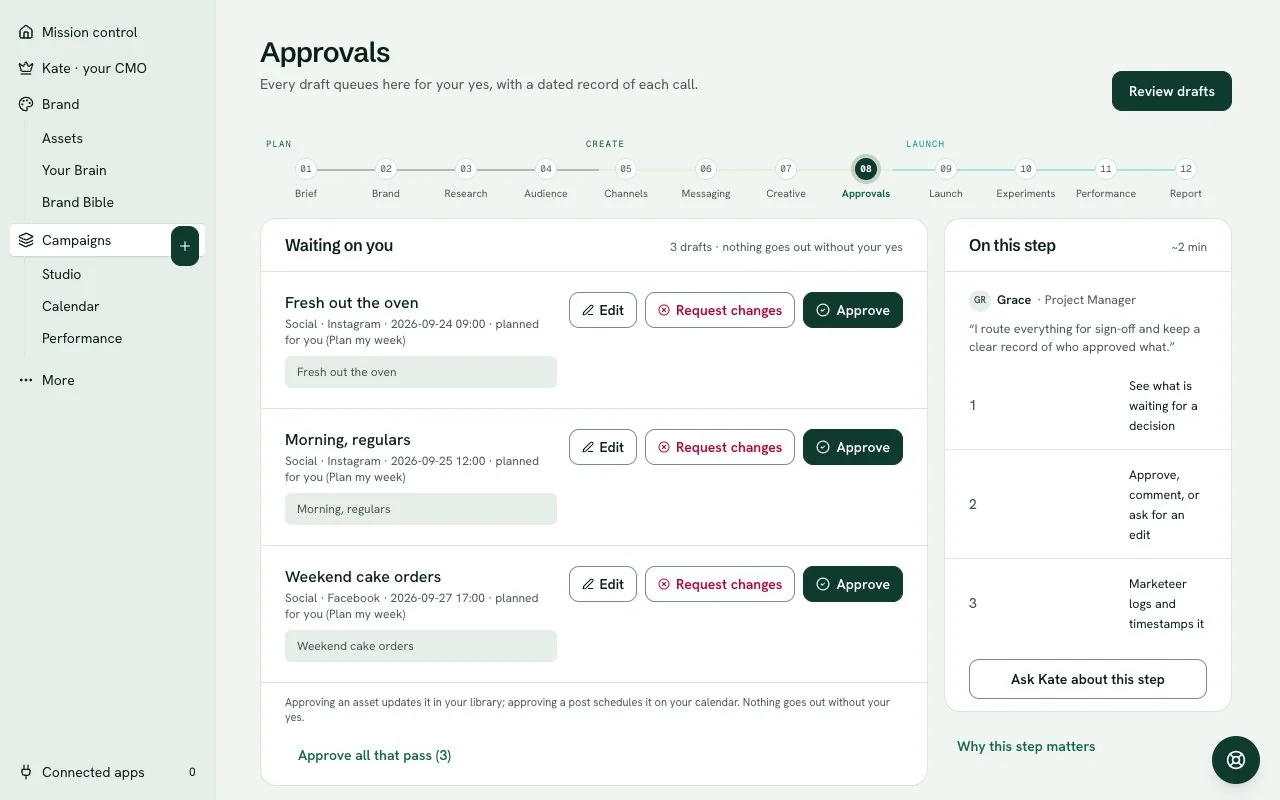
Approvals and control
See exactly what goes out. Approve the week in one tap.See how it works
Make next week's pictures before lunch.
Try the whole team for 14 days. Card to start, cancel before the trial ends to avoid a charge.